01 / Environmental compliance & field services
Trinity Environmental.
Technical services. A clear path to contact.
- Project
- Business website
- My role
- Strategy, design and development
- Scope highlights
- Services, industries, credentials and contact
- Status
- Completed
Explore this case study
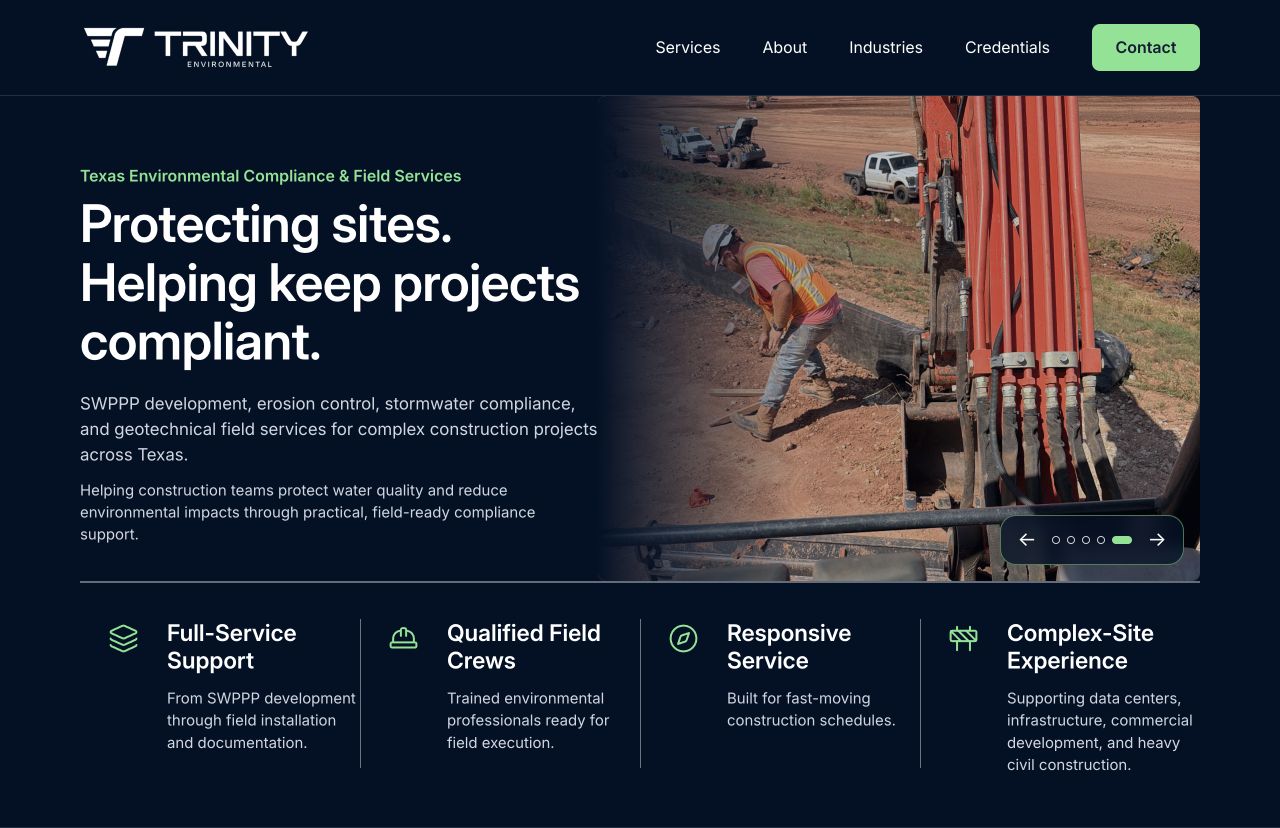
Website context
The business.
The website.
Trinity Environmental supports construction projects across Texas with environmental compliance and geotechnical field services. I shaped the website around three questions: what Trinity does, how its experience fits the project and how to get in touch.
Depth without a crowded overview
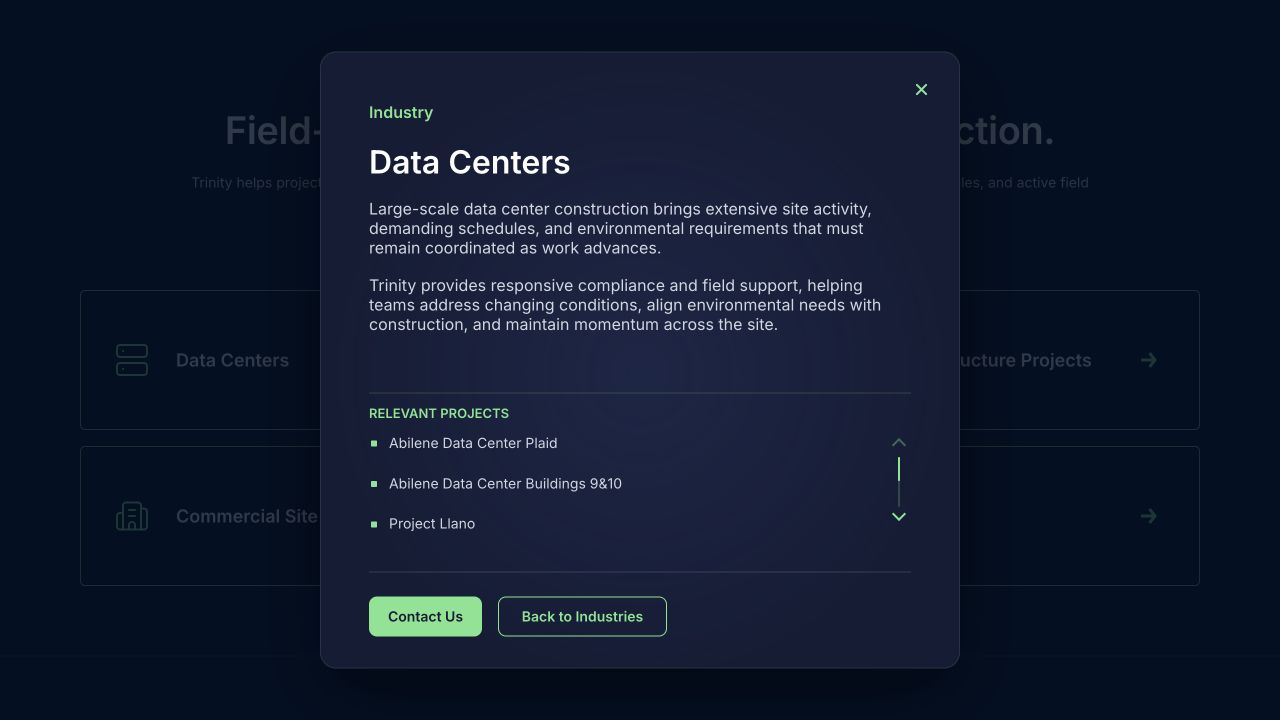
I separated the quick introduction from the deeper service and industry information. Visitors can open the detail they need, then return to the overview.
A technical service range
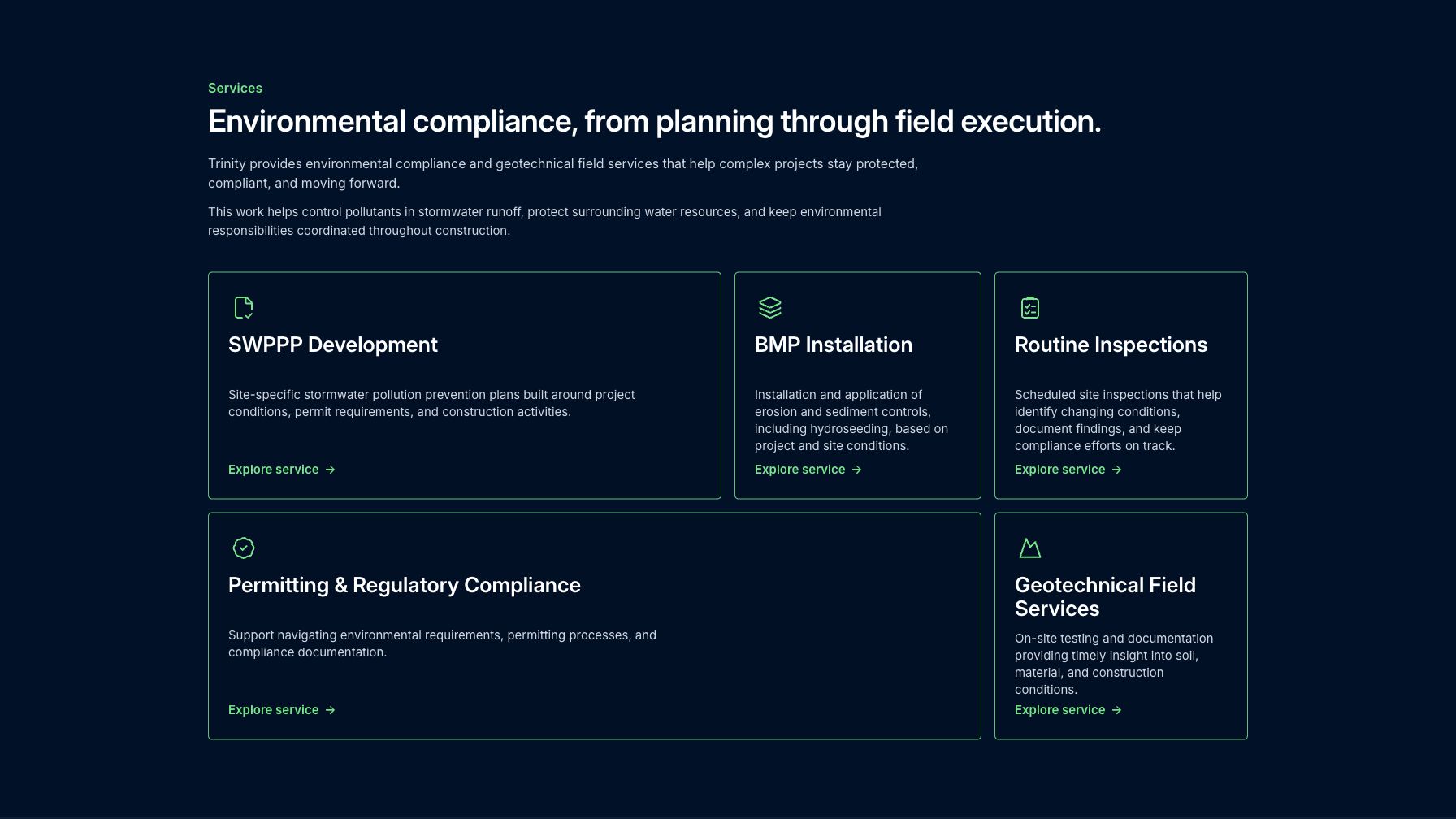
Five service areas cover stormwater planning, erosion controls, inspections, permitting and geotechnical field work. Each needs a clear introduction and room for useful detail.
Context for project teams
Industry information and credential explanations sit alongside the services, giving construction project teams more context before starting a conversation.
A direct next step
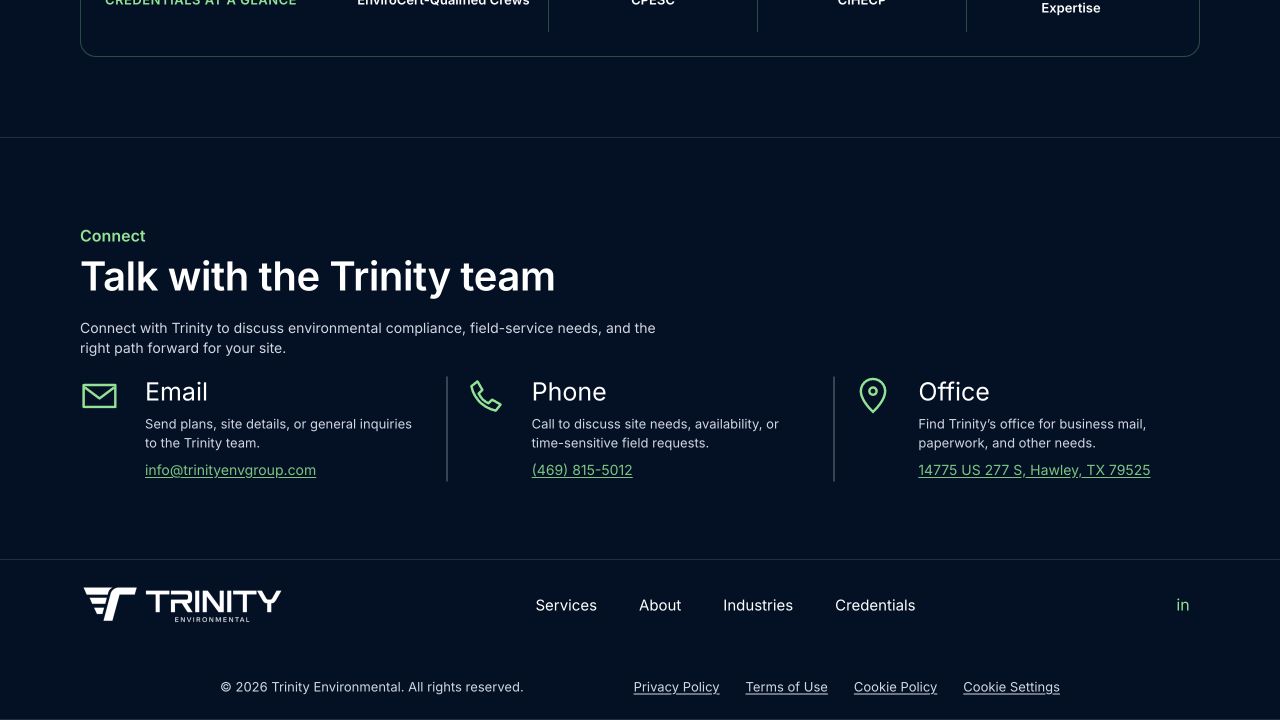
Email, phone and office details provide clear contact options. Service and industry detail views also offer a route to an email inquiry.
Role & scope
From strategy to the finished website.
My role
I handled strategy, design and development, from organizing the content to building the finished interface.
Strategy & structure
I organized the service range, industry context, credentials and contact into one browsing path, with focused views for the deeper information.
Visual direction
I paired field photography with navy, green accents and clear headings to connect the website with Trinity’s work on construction sites.
Responsive development
I built layouts and navigation for desktop and mobile, keeping the service information and contact options within the same website.
Interaction design
Service and industry views open from the overview. Expandable credential entries reveal supporting explanations without showing every detail at once.
01 / The service journey
Start with the service. Open the detail.
- Design aim
- Explain a broad technical offering without putting every service description on the main page.
- The decision
- I gave each service a concise entry point, then placed the explanation and included work in a focused view. A return control takes visitors back to the service overview.
- Why it matters
- A project team can scan the range, choose what is relevant and explore it without losing the wider context.
02 / Confidence in the details
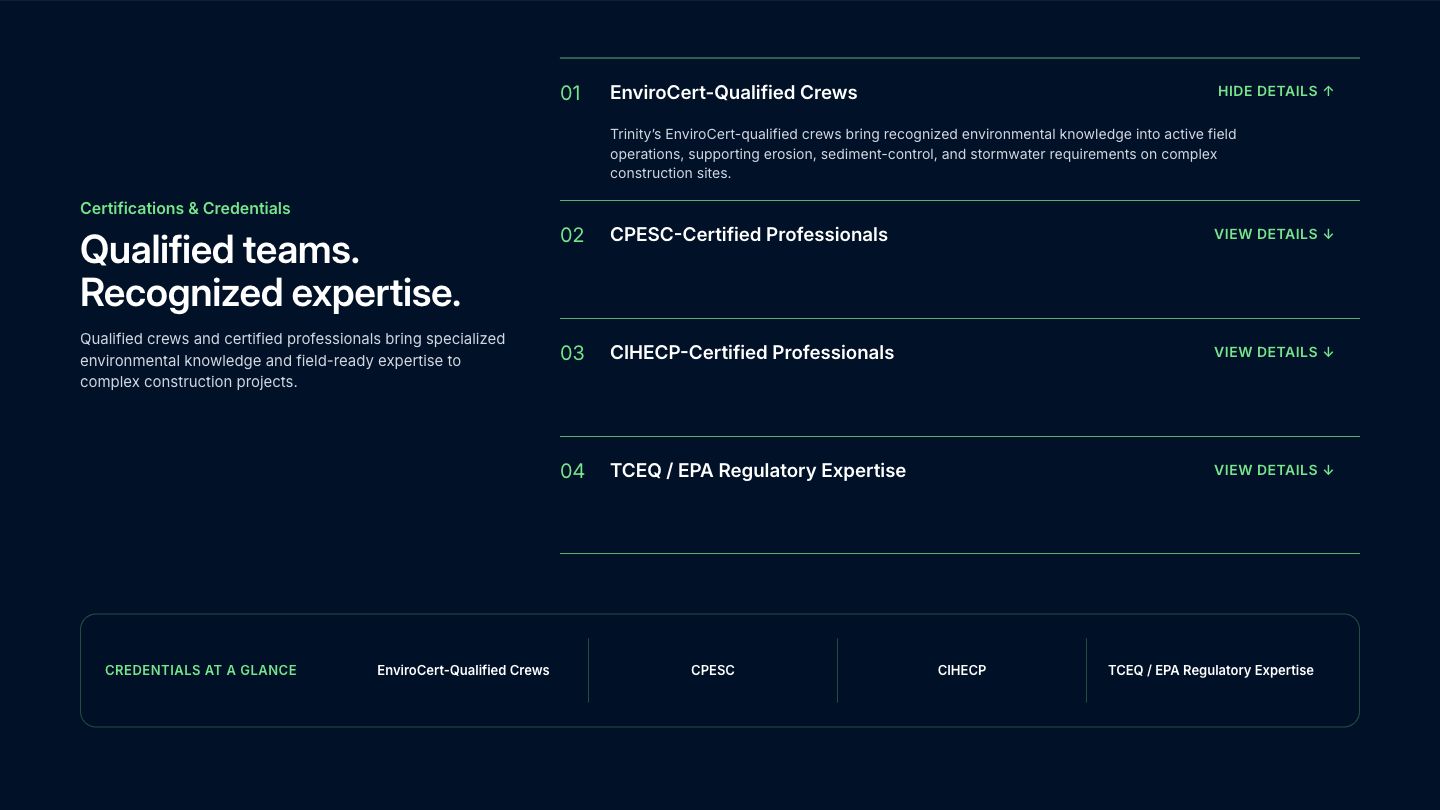
Put credentials in context.
- Design aim
- Show what the qualifications mean, alongside the names and abbreviations.
- The decision
- I used expandable credential entries with a short explanation for each qualification. Visitors can read the context they need while the full list stays compact.
- Why it matters
- The credential section gives project teams something to review beyond a row of labels or logos.
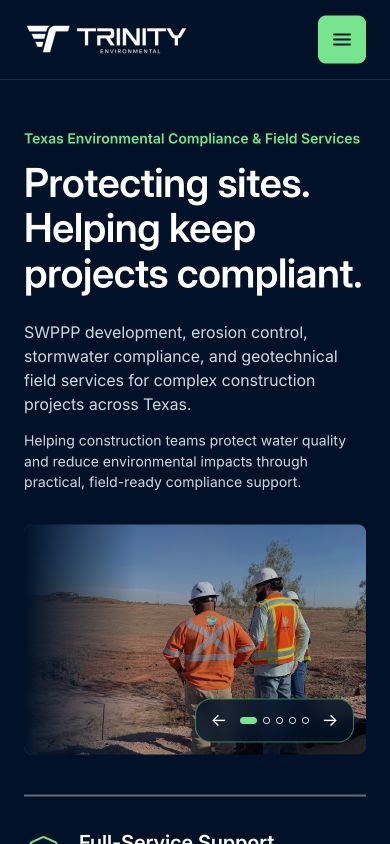
Mobile opening / Service introduction and compact navigation
The connected experience
The same priorities. On a smaller screen.
I carried the service introduction, field photography and navigation into the mobile layout. The page adapts to the screen while keeping the business information connected.
An introduction that adapts
The mobile opening keeps the service message prominent. A compact menu gives visitors access to the rest of the page.
Contact in context
Visitors can use the main contact section or start an email inquiry from a service or industry detail view.
More of the work
A closer look.
Industry detail and contact, shown as part of the finished website. Select an image to enlarge it.
The delivered work
A clear route through the business.
The finished website connects the service range, industry information and credentials to direct ways to get in touch.
Explore the services
Five entry points introduce the work, with deeper descriptions and included activities available in the service views.
Review the context
Industry information and credential explanations give project teams detail to review before making contact.
Start a conversation
Email links in the detail views and direct contact options at the end of the page connect service exploration with an inquiry.
What could this look like
for your business?